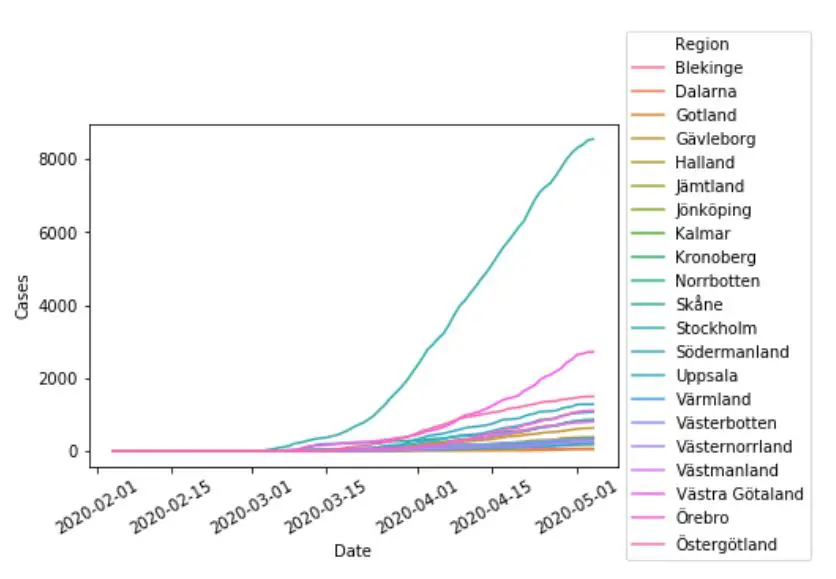
In this Python data visualization tutorial, we will learn how to create line plots with Seaborn. First, we’ll start with the simplest example (with one line), and then we’ll look at how to change the look of the graphs and how to plot multiple lines, among other things.
In this tutorial, we will learn how to work with Excel files in R statistical programming environment. It will provide an overview of how to use R to load .xlsx files and write spreadsheets to Excel.
In this Pandas tutorial, we will learn how to work with Excel files (e.g., .xls or .xlsx files) in Python. It will provide an overview of how to use Pandas to load .xlsx files and write to Excel spreadsheets.
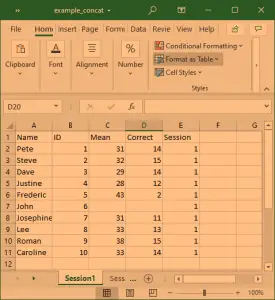
In the first section, we will go through, with examples, how to use Pandas read_excel to: 1) read an Excel file, 2) read specific columns from a spreadsheet, 3) read multiple spreadsheets, and combine them into one dataframe. Furthermore, we are going to learn how to read many Excel files and convert data to specific data types (e.g., using Pandas dtypes).
.xlsx file
When we have done this, we will continue by learning how to use Pandas to write Excel files, including how to name the sheets and write to multiple sheets. Make sure to check out the newer post about reading xlsx files in Python with openpyxl, as well.
Read the How to import Excel into R blog post if you need an overview of how to read xlsx files into R dataframes.
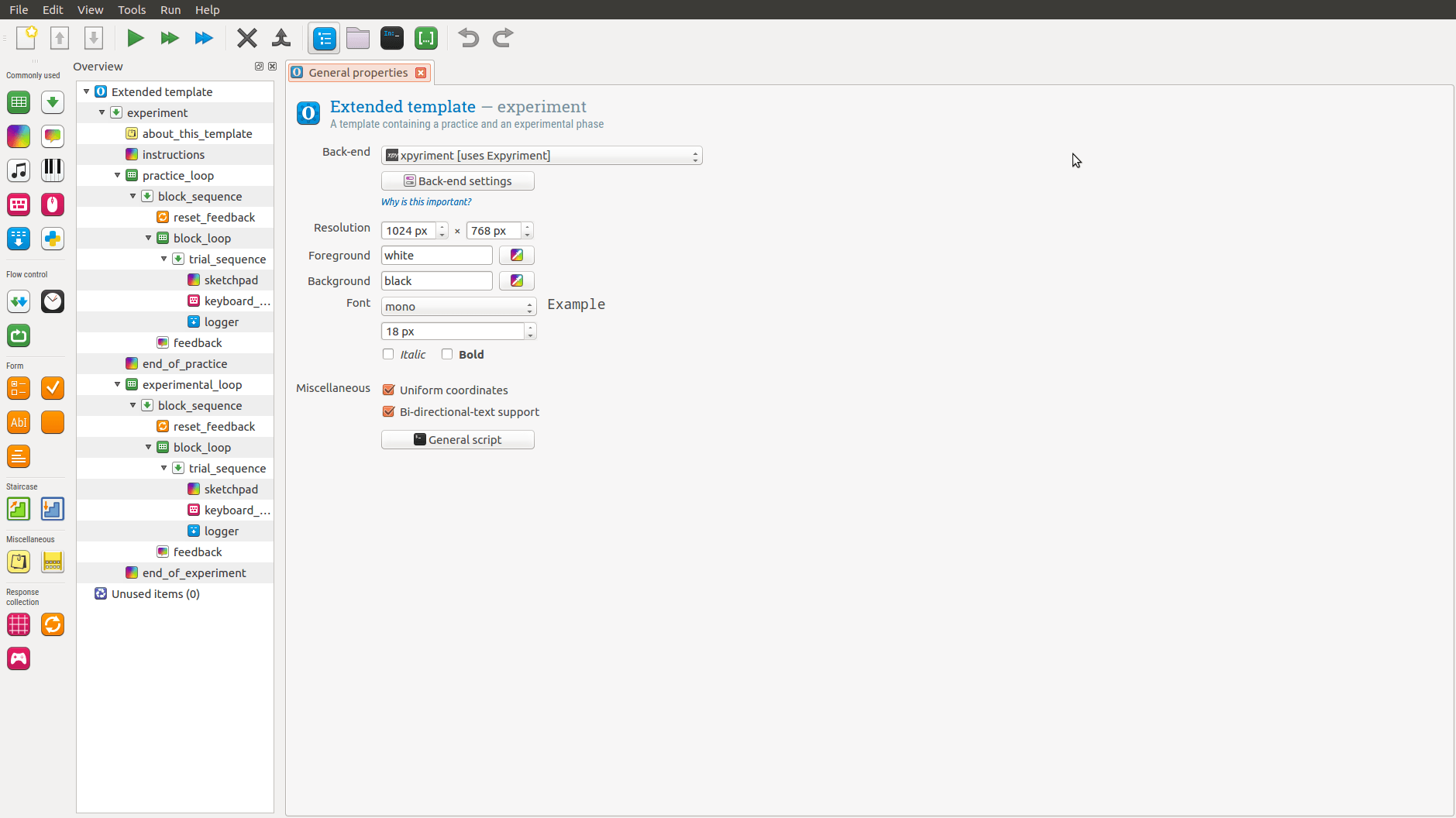
In this post, you are going to learn how to create a simple experiment using the free experiment building software OpenSesame. As I have previously written about, OpenSesame is an application based on Python for creating Psychology, Neuroscience, and Economics experiments. It offers a nice and easy-to-use interface. In this interface, you can drag and drop different objects. This means that you don’t have to know any Python programming at all to create an experiment. If you need to know how to use images as stimuli, you can see this OpenSesame Tutorial.
This tutorial covers the integration between R and Python using the rpy2 package. Discover how to bridge the gap between these two languages, enabling you to make use of both languages’ strengths for enhanced data analysis and visualization. This rpy2 tutorial guides you through its installation, configuration, and practical usage.
In this tutorial, we will learn how to use rpy2 to install r packages and run r functions to conduct data analysis and visualization. We will learn how to use the r-packages ‘afex‘ and ‘emmeans‘, using Python and rpy2. Finally, we will also learn how to display R plots in Jupyter notebooks using rpy2, using two different methods.
Obviously, rpy2 requires that we have both R (version +3.2.x) and Python (versions 2.7 and 3.X) installed. Pre-compiled binaries are available for Linux and Windows (although they are unsupported and unofficial).