Change R Version in RStudio: A Quick How-To

In this post, we will learn how to Change the R Version in RStudio. Knowing how to change the version of R in RStudio might be handy if you have to use packages not available in the most common version of R. Switching the version of R is quite simple; therefore, this post will be a short one. Before we proceed with the steps to change the R version, let us quickly check the current R version you are running. One way to see the version of R you are running is to execute the following code in your R console:

R.version$version.string
Code language: PHP (php)

In this example, we can see that we are running R version 4.3.1:

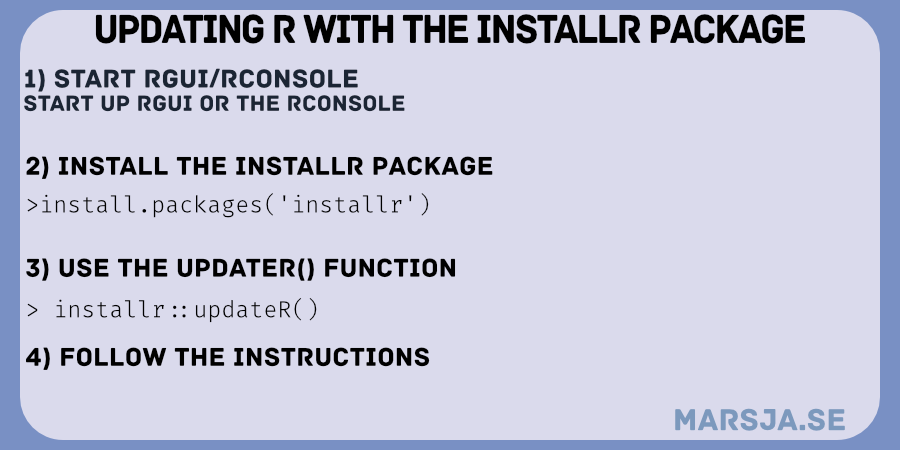
Additionally, it may be good to ensure you have the latest R version installed (to update R, you can use the updateR() function from the installr package). Now, let us move on to the following section, where we will walk through the straightforward steps to switch R versions seamlessly within RStudio.
Read more

Update R: Keeping Your RStudio Environment Up-to-Date

Keeping your software tools up to date is essential for a seamless and efficient workflow, and the R programming language is no exception. In this blog post, we will explore the importance of updating R, discuss the circumstances that may necessitate an update, address the possibility of updating R within RStudio, and explore different methods for upgrading R. So, if you want to stay ahead with the latest features, bug fixes, and improvements, read on to discover how to update R in your RStudio environment.

here's how you can update R
updating R

Read more

How to Use Binder and R for Reproducible Research

In a previous post, we learned how to use Binder and Python for reproducible research. Now, we are going to learn how to create a Binder for our data analysis in R, so it can be fully reproduced by other researchers. More specifically, in this post, we will learn how to use Binder for reproducible research.

Many researchers upload their code for data analysis and visualization using git (e.g., GitHub, Gitlab).

No doubt, uploading your R scripts is great. However, we also need to make sure that we share the complete computational environment so that our code can be re-run and so that others can reproduce the results. That is, to make sure that other researchers really can reproduce our code, we need a way to capture the versions of the R packages we used when publishing our research.

Read more

Why Spyder is the Best Python IDE for Science

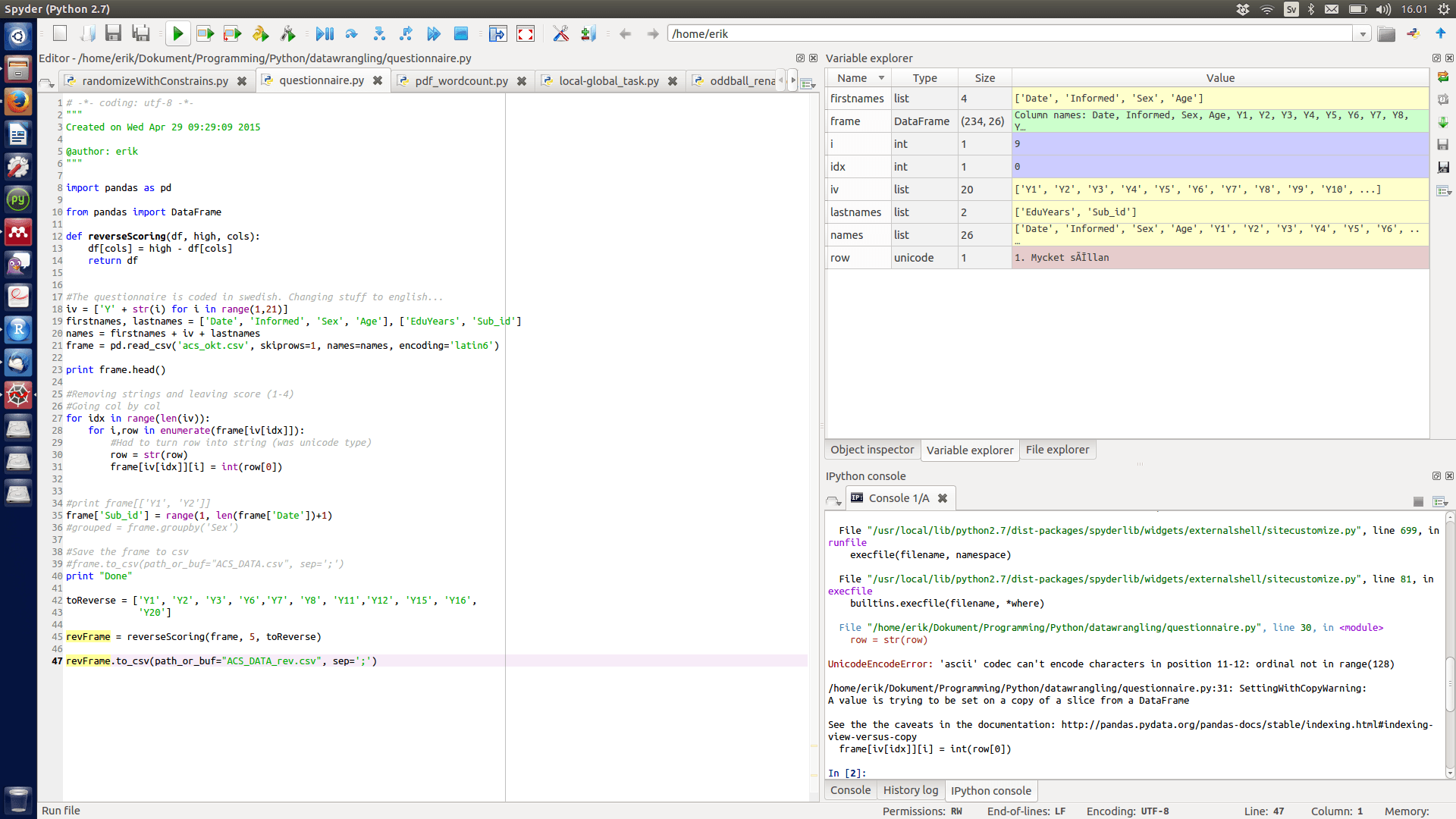
Spyder is the best Python IDE I have used for data analysis, scientific computing, and general Python development. I’ve been using it for years, and despite trying alternatives such as PyCharm, VS Code, and Rodeo, I keep coming back to Spyder. In this post, I’ll explain why it’s my preferred Python IDE, walk through the features I use most often, show you how to install Spyder on Ubuntu, and briefly compare it with Rodeo.

When I first started programming in Python, I used IDLE, the editor included with the standard Python installation. It worked well enough for learning the language, but I eventually wanted something that made data analysis and larger projects easier to manage. Around the same time I started learning R, I discovered RStudio. Its workflow immediately appealed to me and made me look for a Python IDE with a similar focus on interactive programming and data analysis. That’s when I found Spyder.

Read more

Installing Rodeo IDE on Linux

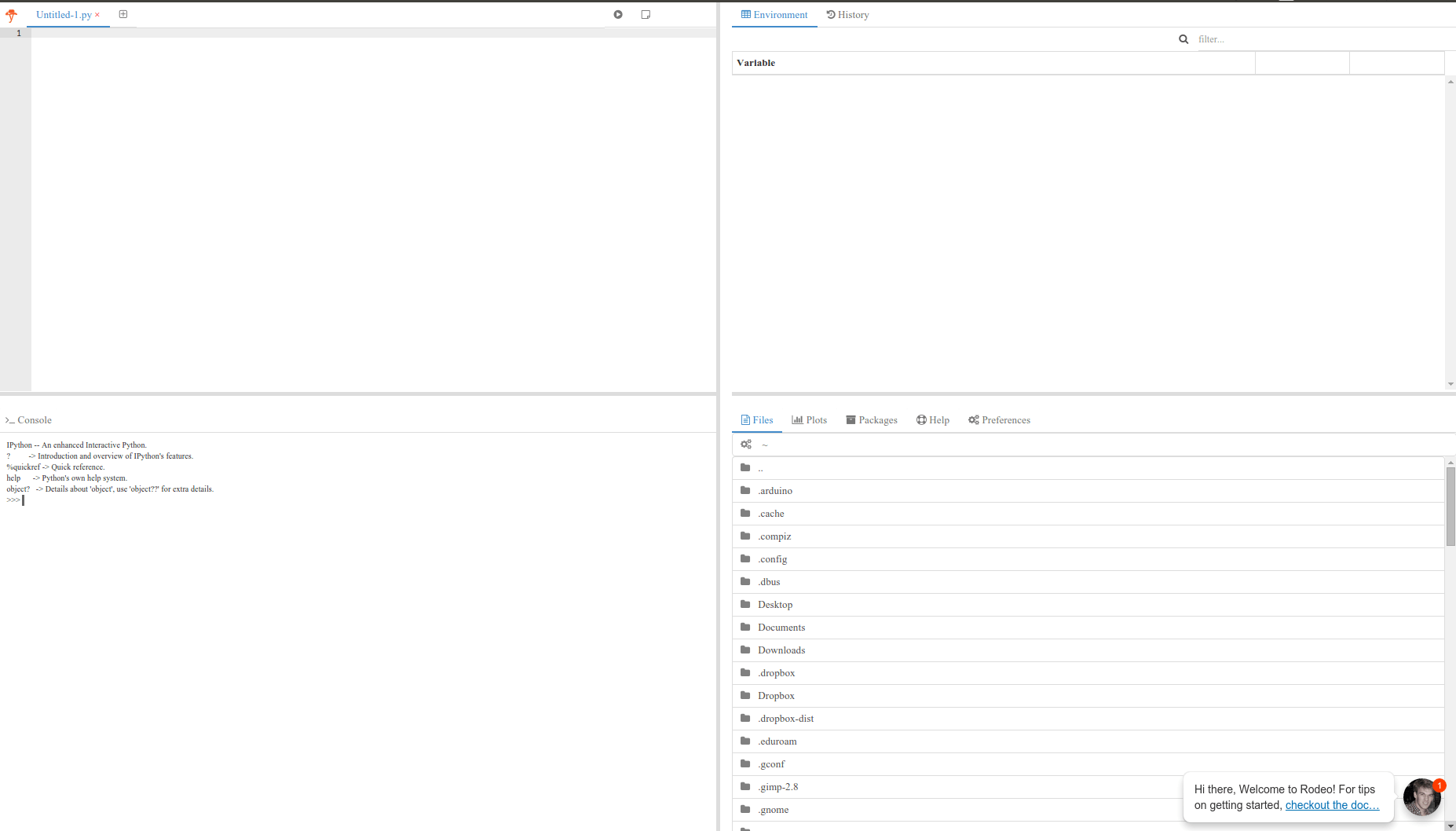
Rodeo - RStudio for Python - a good IDE for doing Data Science

I recently wrote a post on the RStudio like Python IDE Rodeo (RStudio-like Python IDEs – Rodeo and Spyder). In that post, I installed and tested Rodeo 0.44. However, Rodeo 1.0 was released in October. Rodeo 1.0 cannot be installed using Pip. Therefore, I wrote a bash script for downloading and unzipping Rodeo. Note, the … Read more

RStudio-like Python IDEs – Rodeo and Spyder

Spyder IDE a RStudio for Python?

In this post I will discuss two Python Integrated Development Environments (IDE); Rodeo and Spyder. Both Python IDEs might be useful for researchers used to work with R and RStudio (a very good and popular IDE for R) because they offer similar functionalities and graphical interfaces as RStudio. That is, Rodeo and Spyder can both be seen as the RStudio for Python.

Read more